 Bytesweep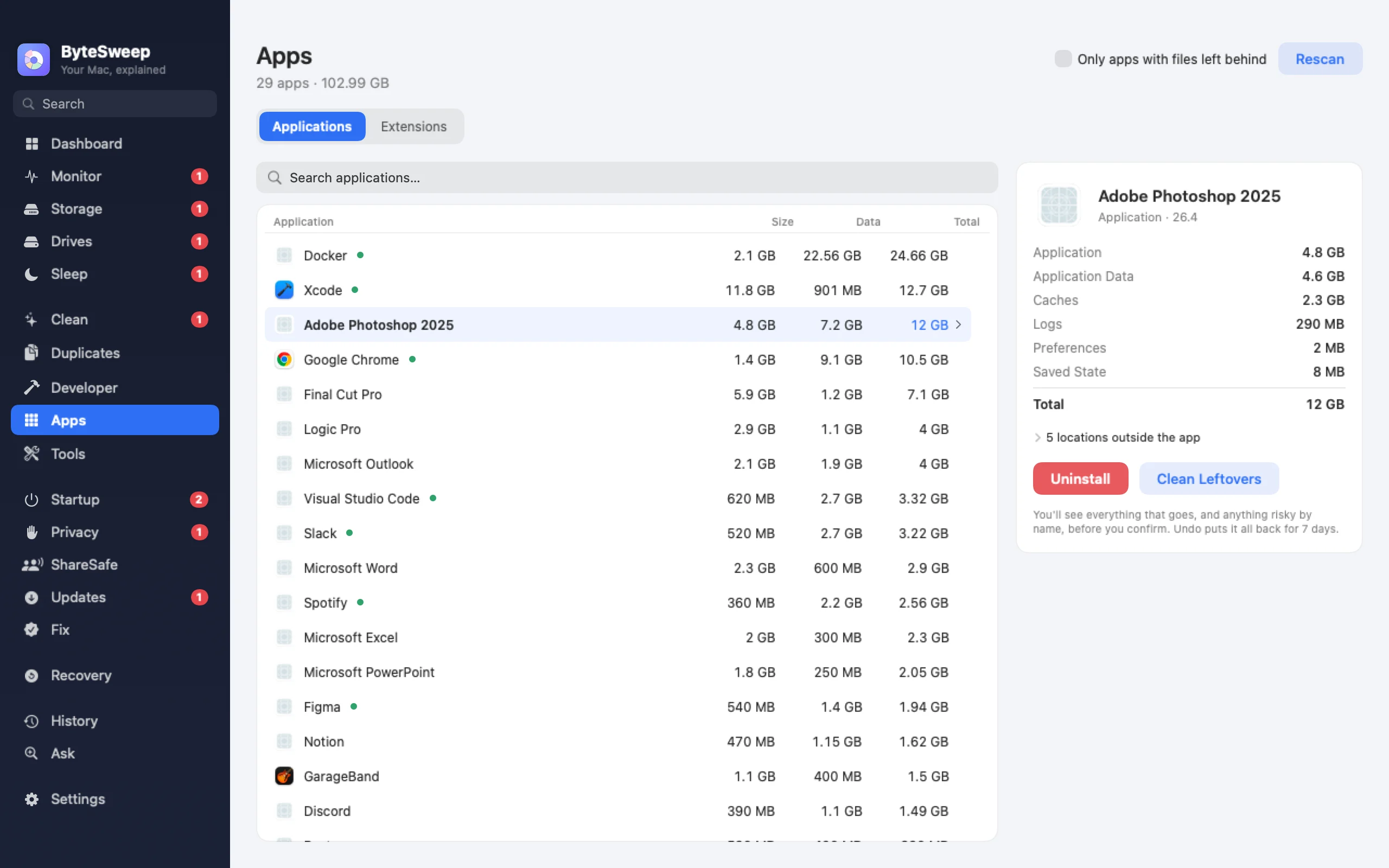
The app and everything it made
Pick an app and Bytesweep lists its support files, caches, preferences, containers and launch agents, matched back to it. On a Mac they go into a restore point, so an uninstall can be undone for 7 days. On Windows it runs the publisher's own uninstaller first, then removes what that left behind.
Leftovers from apps you already deleted
Most Macs and PCs carry files from apps removed years ago. Bytesweep finds them, shows which app made them, and lets you clear them in one go. A filter shows only apps that have left files behind.
Large and unused apps
Sort by size or by last use to find the 4 GB app you opened once. On Windows the Large Apps and Unused Apps tabs do this for desktop and Microsoft Store apps.
Extensions (new in 2.1)
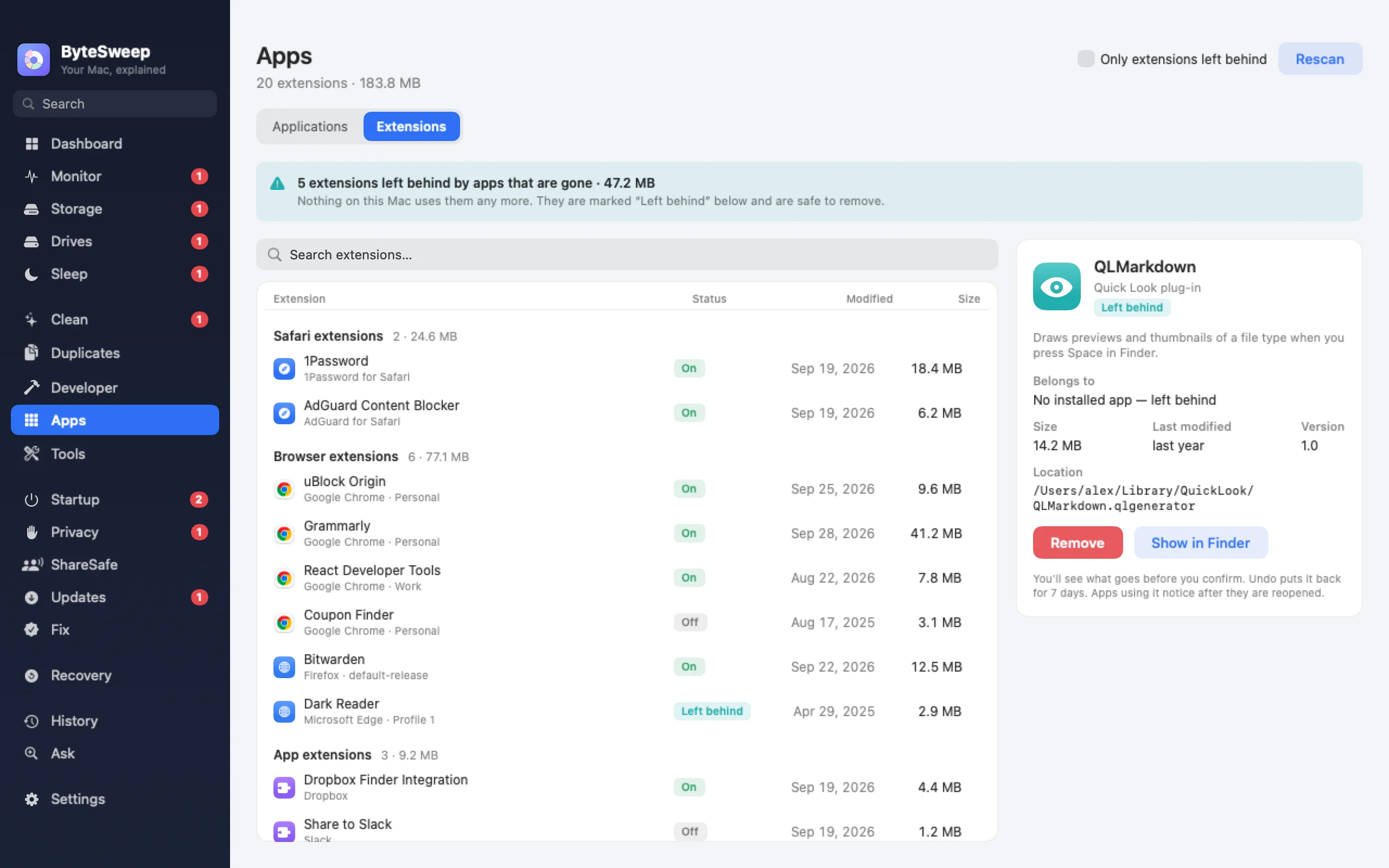
One list of browser extensions in Chrome, Edge, Brave, Arc, Firefox and others, with what each one is allowed to do, plus app extensions and plug-ins on a Mac and Explorer shell extensions on Windows. Anything whose app is gone is marked left behind. Switch them off or remove them, with undo.
On Mac and on Windows
| Mac | Windows | |
|---|---|---|
| Uninstall with leftovers | Undoable for 7 days | Publisher's uninstaller, then leftovers to the Recycle Bin |
| Leftovers of deleted apps | Yes | Yes |
| Large and unused apps | Yes | Yes |
| Browser extensions | Yes | Yes |
| System extensions | App extensions and plug-ins | Explorer shell extensions |
Bytesweep vs AppCleaner, Revo and IObit
| Bytesweep | AppCleaner | Revo Uninstaller Pro | IObit Uninstaller Pro | |
|---|---|---|---|---|
| Price | $29.99 once, with every other tool | Free | from $24.95 | Yearly subscription |
| Platforms | Mac and Windows | Mac | Windows | Windows |
| Also monitors, cleans, recovers | Yes | No | No | No |
Prices as each maker lists them on 1 October 2026.
Questions
Is dragging to the Trash not enough on a Mac?
It removes the app, but not its support files, caches or launch agents, which can keep running in the background. Bytesweep removes those too.
Can I undo an uninstall?
On a Mac, yes, for 7 days. On Windows the publisher's own uninstaller cannot be undone, but leftovers go to the Recycle Bin.
Does it remove apps that came with the system?
No. Apps that are part of macOS or Windows are not offered for removal.