 Bytesweep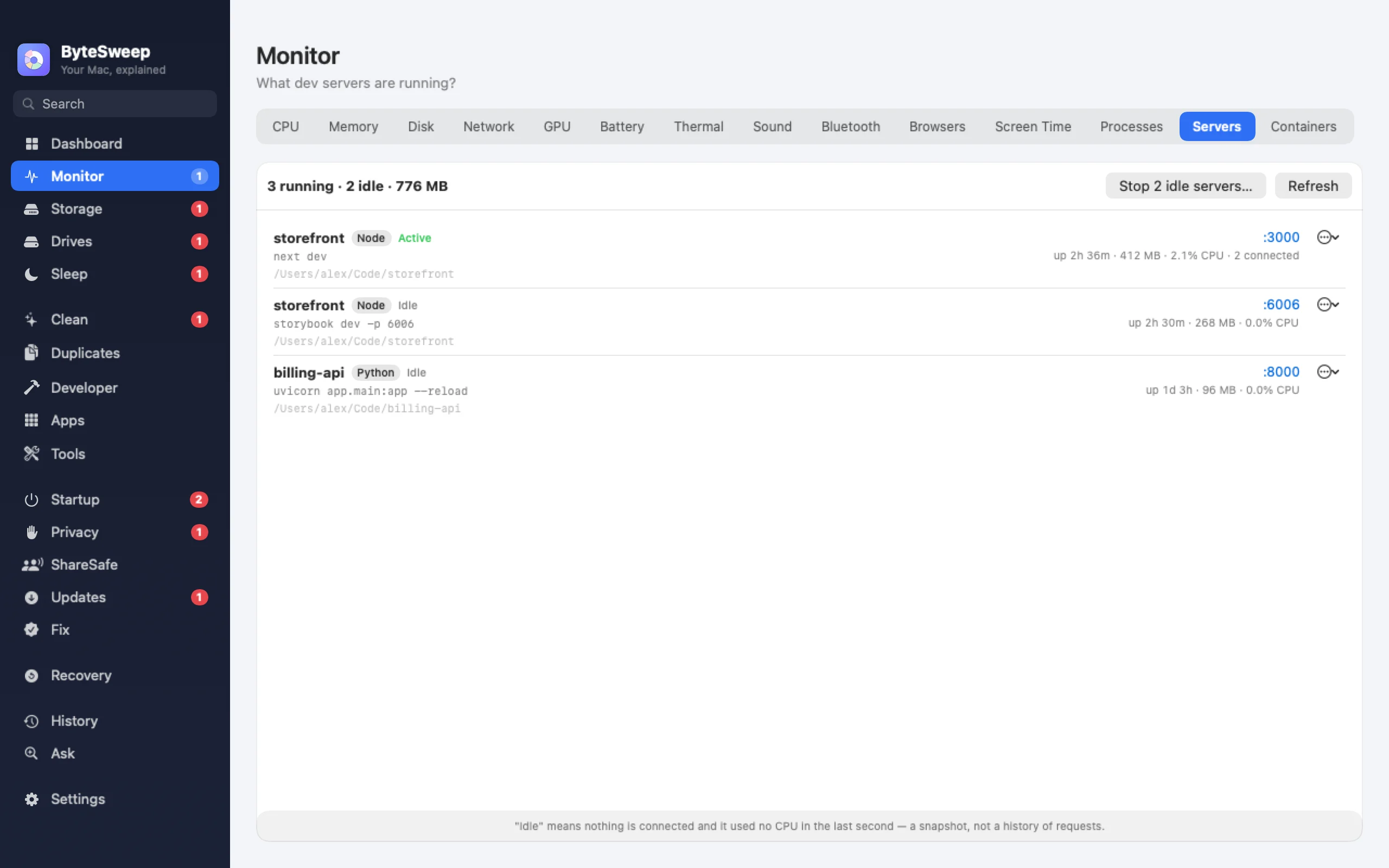
Every dev server, with its project
Node, Bun, Deno, Python, Ruby, PHP, Java, Go and .NET servers are listed with the project folder they were started from, the port they listen on and how long they have been idle. Stop one, force-stop one that will not listen, or stop everything a project started. Anything inside an installed app is never treated as a dev server, so you cannot stop Slack by mistake.
Docker containers
Running containers with their ports, CPU and memory, and Restart and Stop buttons, on the Containers page and as a tile under the notch.
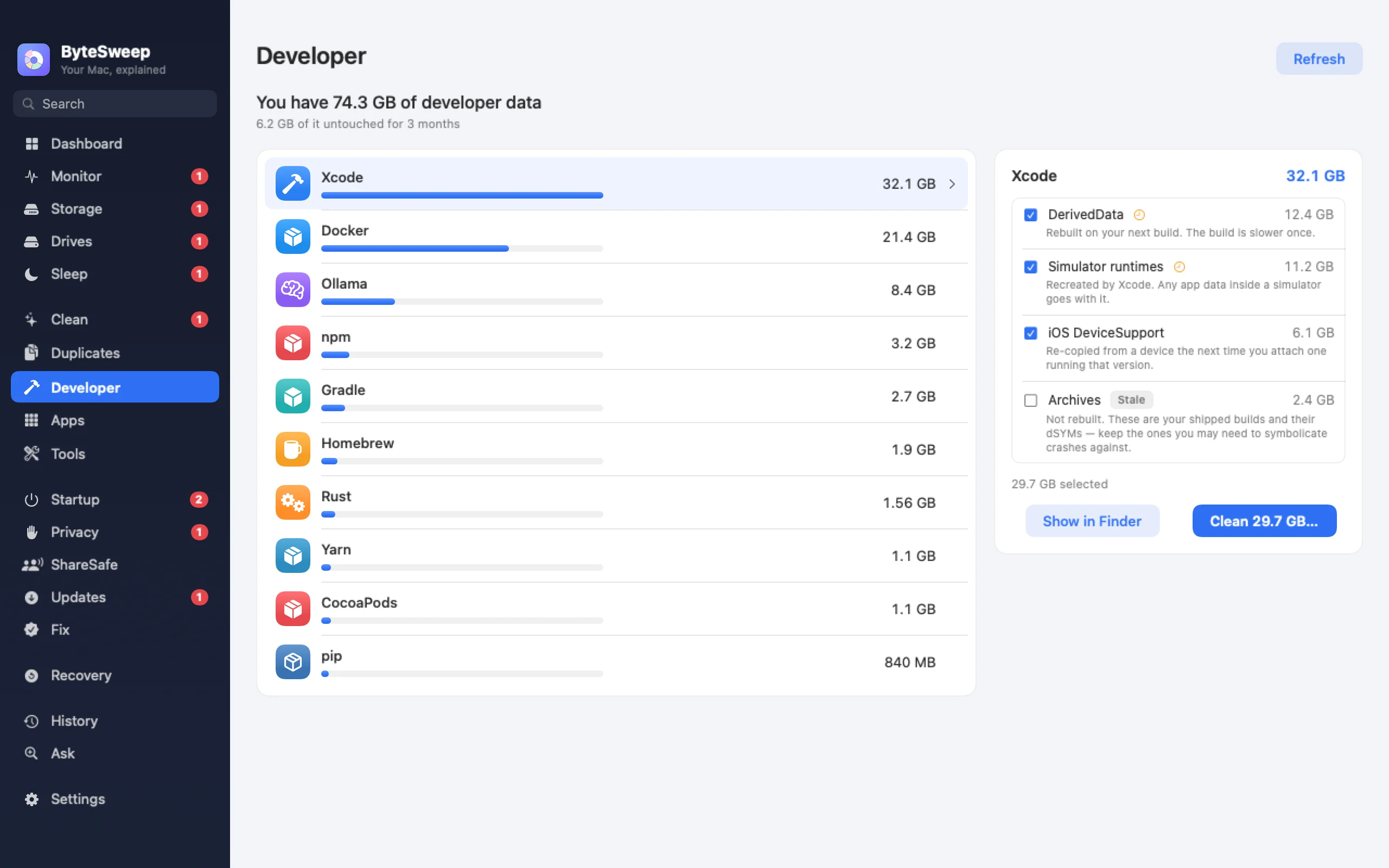
The caches that eat 50 GB
Xcode DerivedData, archives, device support and simulators; npm, Yarn, pnpm, pip, Cargo, Go, Gradle, Maven and CocoaPods caches; Playwright and Puppeteer browsers; Ollama and Hugging Face models. Caches you have not touched in 90 days are flagged. On Windows it adds NuGet, Visual Studio, JetBrains and Android Studio, and counts node_modules, bin and obj or target folders only where a real project sits.
On Mac and on Windows
| Mac | Windows | |
|---|---|---|
| Dev servers with project and port | Yes | Yes |
| Stop, force-stop, stop a project | Yes | Yes |
| Docker containers | Yes | Yes |
| Xcode and simulator cleanup | Yes | — |
| Package manager caches | Yes | Yes |
| Open ports, ping and DNS tools | No | Yes |
Questions
Is this just lsof with a window?
It starts there, then matches each process to its project folder and runtime, works out how long it has been idle, and leaves apps alone. You do not need to remember which terminal tab started it.
Is clearing DerivedData safe?
Yes. Xcode rebuilds it, and the first build afterwards is slower. Bytesweep keeps what it removes for 7 days.
Can it prune Docker?
Yes, with a clear warning first: Docker's own prune cannot be undone, so Bytesweep shows what it will remove before you run it.