 Bytesweep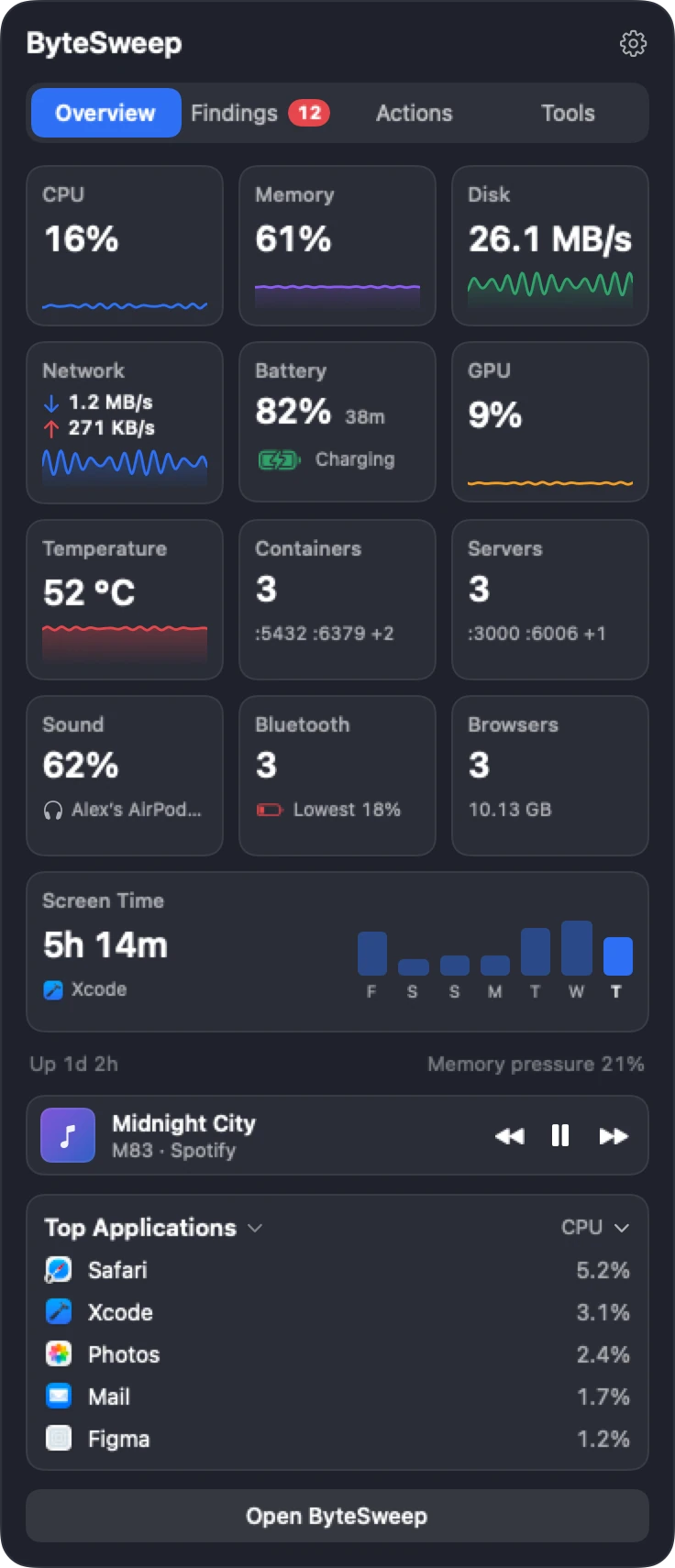
A tile for every reading
CPU, memory, disk, network, battery, GPU, temperature, sound, Bluetooth, browsers, Screen Time, dev servers and Docker containers each get a tile, and every tile opens a detail page. Choose which tiles show and in what order, how fast the panel opens and closes, and which display it lives on. A keyboard shortcut opens it and the arrow keys move around it.
Tools that live up there
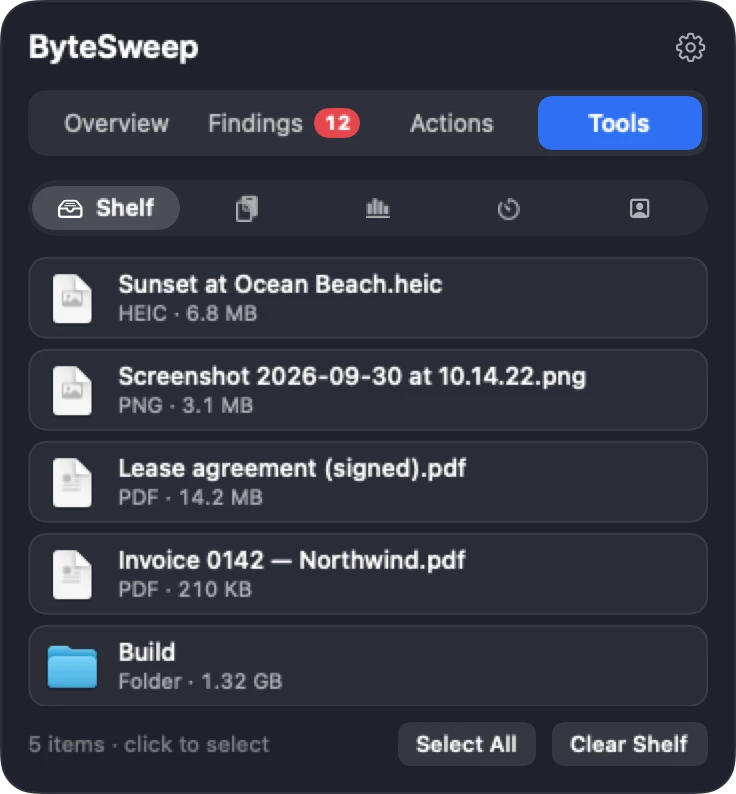
The Shelf holds files while you move between windows: drop them on, drag them off, or compress images and PDFs, zip, move, share or trash them from the shelf. Now Playing shows the track with play, pause and skip.
Clipboard history is off until you say yes. It keeps 200 items or 7 days by default, skips passwords and anything a password manager copies, and stores everything on your Mac with permissions only you can read. A Claude Code page shows your token use for today and the week, read from Claude's own local logs; nothing is sent.
Calendar, timers and clocks (new in 2.1)
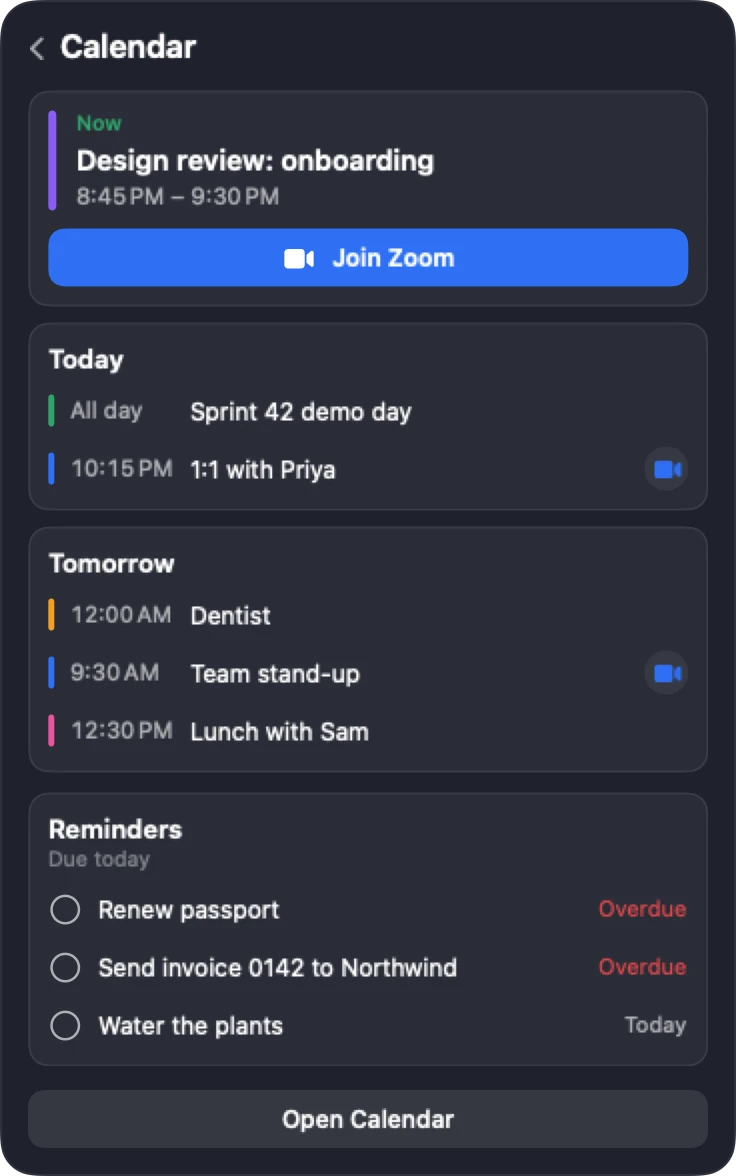
Today's and tomorrow's events with a Join button for Zoom, Meet, Teams, Webex, FaceTime and other links, and reminders due today you can tick off. Start a 5, 10 or 25 minute timer and watch it count down in the notch. Keep up to six world clocks. Drop a file on the AirDrop target to send it. A Mirror shows your camera only after you press Start.
- Join buttons for video calls
- Reminders due today
- Timers in the notch
- Up to 6 world clocks
- AirDrop drop target
- Camera mirror, only on Start
No notch? No problem
On a Mac without a notch, or on an external display, the panel comes down from a thin strip at the top centre of the screen, which steps aside in full-screen apps. The panel is off until you turn it on in Settings.
On Mac and on Windows
| Mac | Windows | |
|---|---|---|
| Where it lives | Under the notch, or a strip at the top | A top bar and a tray panel |
| Live tiles with detail pages | Yes | Yes |
| Shelf, clipboard history, Claude Code | Yes | Yes |
| Now Playing | Yes | Full title and art in the Microsoft Store version |
| Calendar with Join buttons | Yes, plus reminders | Yes, no reminders |
| Drop to share | AirDrop | Nearby Share |
| Timers and world clocks | Yes | Yes |
Bytesweep vs NotchNook, boring.notch and Alcove
| Bytesweep | NotchNook | boring.notch | Alcove | |
|---|---|---|---|---|
| Price | $29.99 once, with every other tool | Paid, one-time or monthly | Free, open source | $14.99 once |
| Windows version | Top bar and tray | No | No | No |
| Also a system monitor, cleaner, uninstaller | Yes | No | No | No |
Prices as each maker lists them on 1 October 2026. Notch apps add features quickly; check each maker's page for what they include today.
Questions
Does it work on a Mac without a notch?
Yes. It drops down from a thin strip at the top centre of the screen instead, on any Mac with macOS 14 or later and on external displays.
Is my clipboard history private?
It is off until you turn it on, skips concealed and password-manager items, and is stored only on your Mac in a folder only your account can read. Bytesweep has no server to send it to.
What needs a licence?
The Overview and readings are free to look at during the trial. The Findings and Actions tabs need a licence, and after the trial the whole panel does.