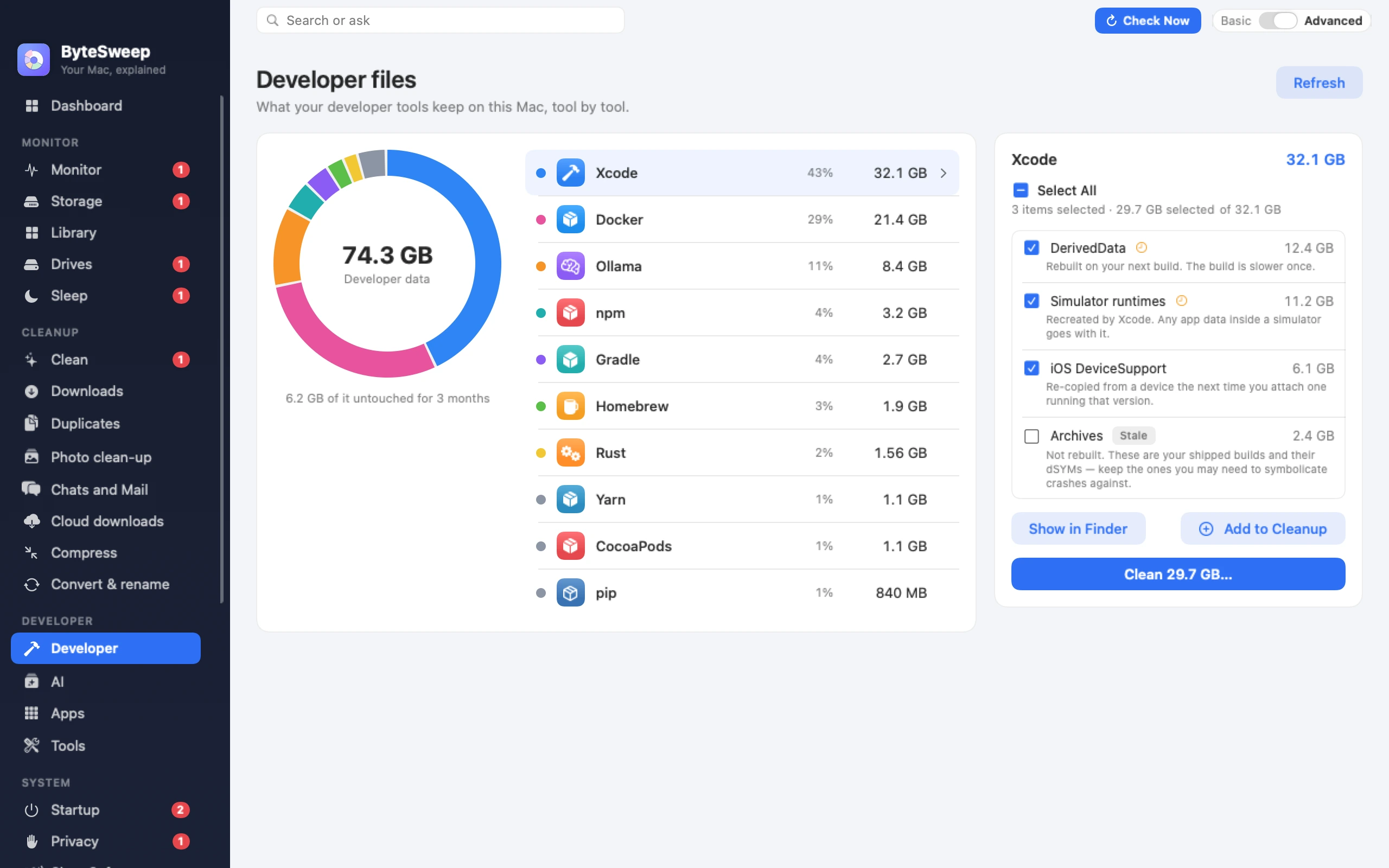
Every tool keeps its weights somewhere different, none of them tell you where, and together they are the fastest-growing thing on a developer's disk. Here is the full list, per platform.
Free to download and scan. Cleaning needs a licence: one payment per computer, Mac or Windows.
Why no cleaner finds these
Mainstream Mac cleaners were written before local models existed, and they work from a fixed list of known cache folders. ~/.ollama is not on it. So a tool will confidently report your Mac is clean while 120 GB of weights sit in a hidden folder in your home directory — and because they are dot-folders, the Finder does not show them either.
The paths
Ollama
macOS    ~/.ollama/models
Linux    /usr/share/ollama/.ollama/models
Windows  %USERPROFILE%\.ollama\models
List and remove with Ollama itself, so its manifest stays consistent:
ollama list
ollama rm llama3:70b
Move the store to an external drive by setting OLLAMA_MODELS before starting the server.
LM Studio
macOS    ~/.lmstudio/models
Linux    ~/.lmstudio/models
Windows  %USERPROFILE%\.lmstudio\models
Older versions used ~/.cache/lm-studio/models; if you have upgraded through several releases, check both. The directory is configurable in the app's My Models tab, which is the safe way to relocate it.
Hugging Face — transformers, diffusers, datasets
macOS/Linux  ~/.cache/huggingface/hub
Windows      %USERPROFILE%\.cache\huggingface\hub
Usually the largest and the messiest, because every library that touches the Hub writes here. Inspect and prune interactively with the official tool:
Relocate it with HF_HOME. Note that the hub cache uses symlinks into a blobs folder — copying it with a tool that follows symlinks will double its size.
PyTorch
~/.cache/torch/hub
~/.cache/torch/kernels
Pretrained checkpoints downloaded by torch.hub. Relocate with TORCH_HOME.
GPT4All
macOS    ~/Library/Application Support/nomic.ai/GPT4All
Linux    ~/.local/share/nomic.ai/GPT4All
Windows  %LOCALAPPDATA%\nomic.ai\GPT4All
Whisper and whisper.cpp
~/.cache/whisper
./models  (inside a whisper.cpp checkout)
Everything else on a developer's disk regenerates in seconds. A 40 GB model is a re-download over your connection, and a quantisation you produced locally or a model you fine-tuned yourself does not come back at all. These folders deserve review, not a sweep.
Delete through the tool where there is one
Ollama and Hugging Face both keep a manifest alongside the blobs. Delete the files yourself and the manifest still lists them, which shows up later as confusing errors. ollama rm and huggingface-cli delete-cache exist for this.
Move rather than delete
Every tool above supports relocating its store through an environment variable or a setting. If you have an external drive, moving the store beats repeatedly deleting and re-pulling the same weights.
Questions
How do I change where Ollama stores models?
Set the OLLAMA_MODELS environment variable to the directory you want, then restart the Ollama server. On macOS, set it for the app's launch environment rather than only in your shell, or the desktop app will not see it.
Is it safe to delete ~/.cache/huggingface?
Safe in the sense that nothing breaks — anything missing is re-downloaded on next use. Expensive in the sense that "next use" may mean pulling 30 GB again. Use huggingface-cli scan-cache to see what is there and delete selectively.
Why do the model folders not show up in the Finder?
Most of them start with a dot, which macOS hides by default. Press Cmd-Shift-. in a Finder window to show them, or open the path directly with Go → Go to Folder.
Can I keep models on an external drive?
Yes, and it is the better answer once you pass a hundred gigabytes. Ollama uses OLLAMA_MODELS, Hugging Face uses HF_HOME, PyTorch uses TORCH_HOME, and LM Studio has a setting in the app. Expect slower first loads over USB.
Why is my model folder bigger than the models I downloaded?
Usually partial downloads and superseded revisions. The Hugging Face hub cache keeps every revision you have ever pulled of a repository, not just the current one, which is exactly what scan-cache is designed to show you.
From the blog
Shorter pieces that go deeper on one part of this guide.
 Bytesweep